Mileage LogBusiness & Finance
Autosave
0% done
100%

Click a blue field to typeHeadings and labels are editable tooEnter next fieldAutosaved · pick up where you left offTurn off “Headers and footers” when printing

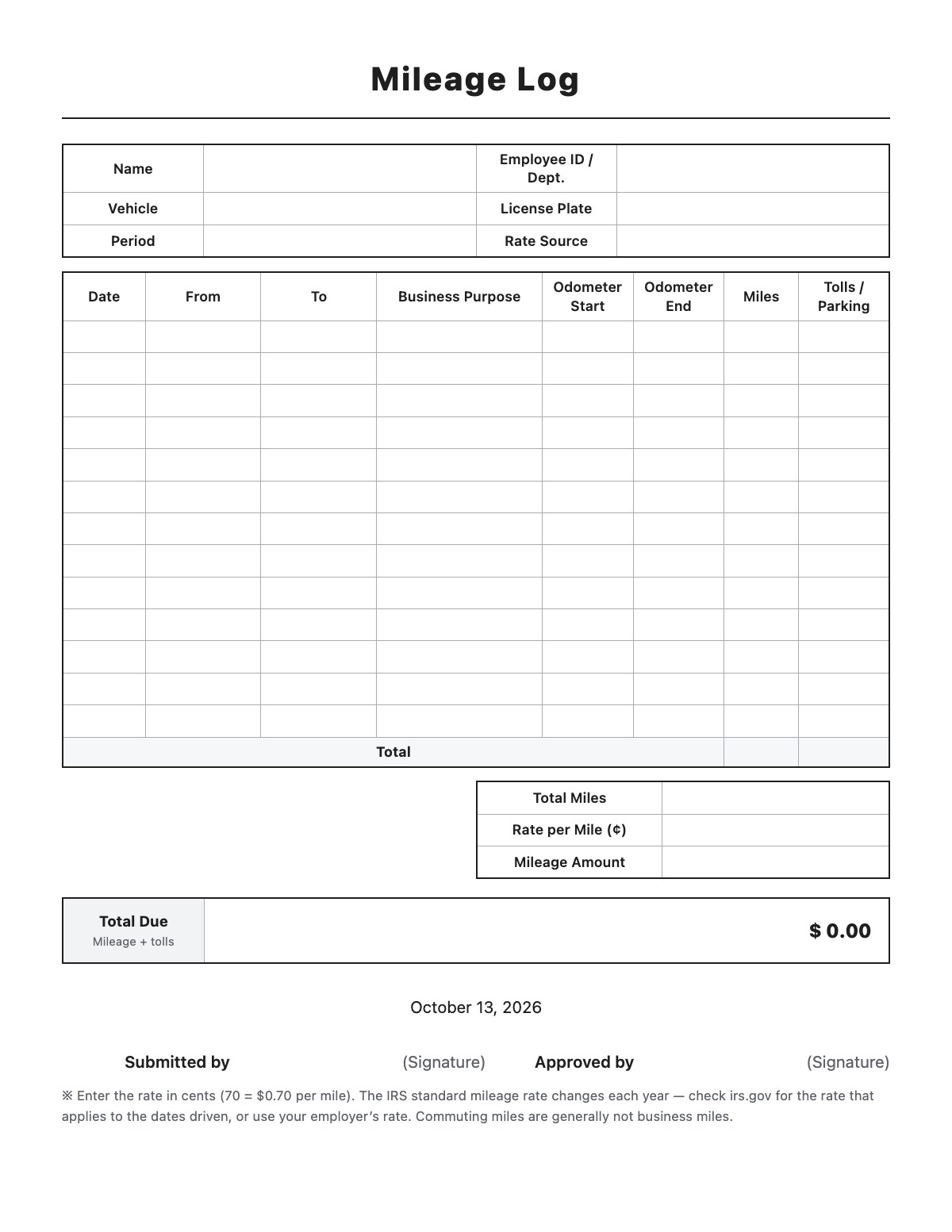
Mileage Log

NameEmployee ID / Dept.
VehicleLicense Plate
PeriodRate Source
DateFromToBusiness PurposeOdometer StartOdometer EndMilesTolls / Parking
Total
Total Miles
Rate per Mile (¢)
Mileage Amount
Total DueMileage + tolls
$ 0

Submitted by(Signature)
Approved by(Signature)

※ Enter the rate in cents (70 = $0.70 per mile). The IRS standard mileage rate changes each year — check irs.gov for the rate that applies to the dates driven, or use your employer’s rate. Commuting miles are generally not business miles.
How to fill out a Mileage Log

Mileage Log template preview
Free Mileage Log template

A mileage log is a record of business trips taken in a personal or company vehicle. It lists the date, destination, business purpose and miles for each trip, which you need for employer mileage reimbursement or to support a business mileage deduction.

How to fill it out

  1. Enter your name, department, vehicle and license plate, and the period the log covers.
  2. For each trip, record the date, starting point, destination and business purpose.
  3. Write the odometer readings at the start and end and the business miles driven, plus any tolls or parking.
  4. Enter the rate per mile in cents (for example, 70 for $0.70) — the mileage amount and total reimbursement are calculated automatically.
  5. Sign the log and submit it to your employer, or keep it with your tax records.

Tips

  • Write each trip down when it happens; the IRS expects records made at or near the time of the trip.
  • The IRS standard mileage rate changes each year, so check irs.gov for the rate that applies to the dates you drove. Your employer may use a different rate.
  • Driving between home and your regular workplace is commuting and generally does not count as business mileage.
  • Tolls and parking for business trips can usually be listed in addition to the mileage rate.

Mileage Log example

Name
Jane Smith
Employee ID / Dept.
E-1047 / Sales
Vehicle
2022 Honda Accord
License Plate
IL ABC 1234
Period
10/01/2026 – 10/09/2026
Rate Source
Company rate (IRS standard)
Rate per Mile (¢)
70

All names, companies and contact details are fictional. Click “Fill sample” above to put this example into the empty fields; click again to remove the parts you did not change.

FAQ

What does the IRS require in a mileage log?

For each business trip: the date, the destination, the business purpose and the miles driven. It also helps to record total miles driven for the year using odometer readings.

Can I deduct mileage as an employee?

Under current federal law, most employees cannot deduct unreimbursed job expenses, including mileage, so ask your employer for reimbursement. Self-employed people can generally deduct business mileage.

Why do I enter the rate in cents?

Mileage rates are usually published in cents per mile. Enter 70 for 70 cents and the form multiplies it by your total business miles to show the dollar amount.

Related templates

More Business & Finance templates: Estimate · Purchase Order · Packing Slip · Work Order · Commercial Invoice · Business Credit Application · Return Authorization Form · Customer Feedback Form · Event Registration Form · Donation Receipt · Pay Stub · Petty Cash Log · Credit Memo · Statement of Account · Change Order · Statement of Work

↑ Fill out the Mileage Log