Cornell Notes Graph Paper: uses, sizes and printing tips
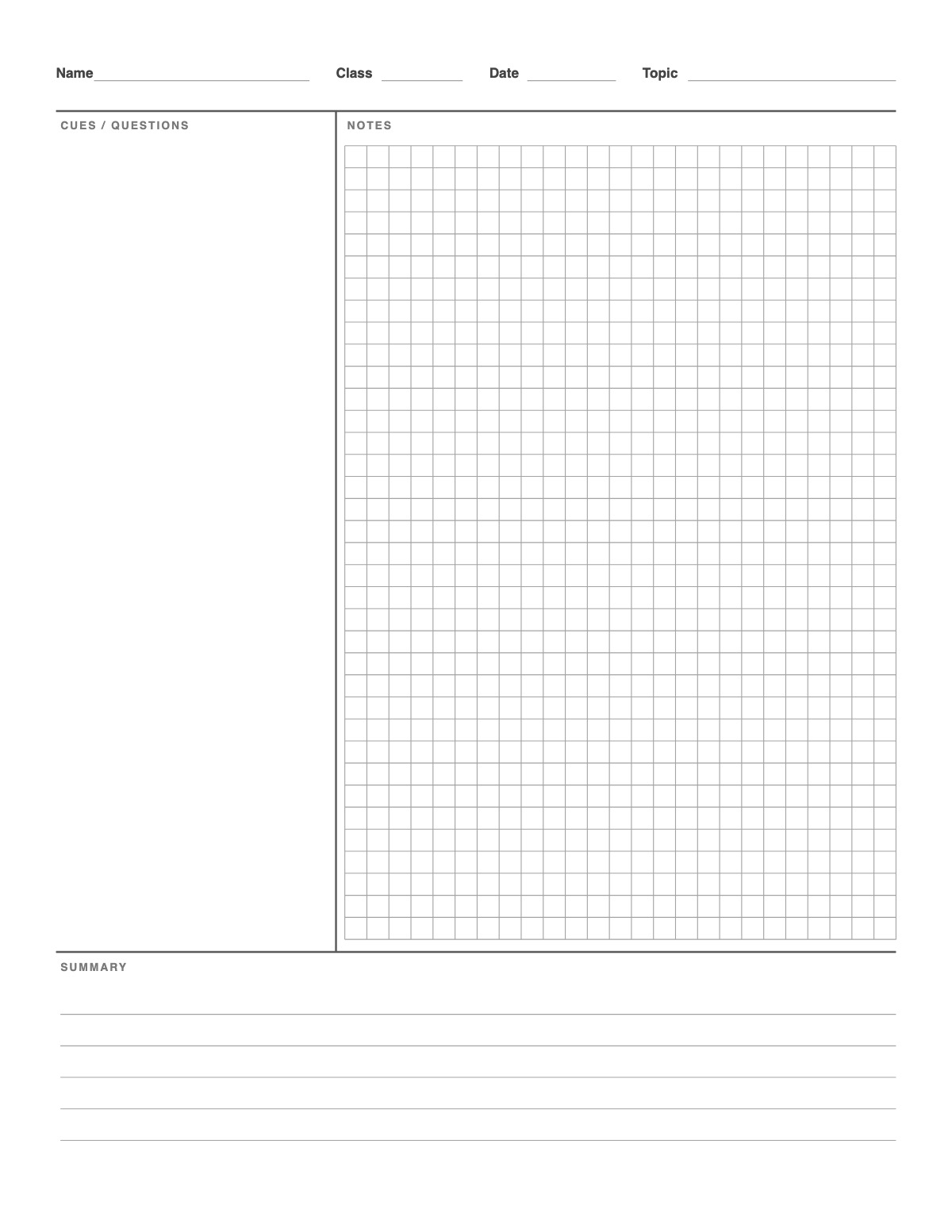
Cornell notes built for STEM classes: the notes area is a 5 mm grid for equations, graphs and diagrams, while the cue column and summary box keep the Cornell review method. Switch to dot grid if you prefer a lighter background.
How to print it
- Choose the paper size (US Letter, A4, Legal, A5 or Half Letter) and portrait or landscape — the page updates as you change settings.
- Choose lined, graph, dot or blank notes, the line spacing and the widths of the cue column and summary box.
- Add a title or a name/date header if you want, or keep the page plain.
- Click Print / Save as PDF. In the print dialog choose “Actual size” (100%) and turn off “Headers and footers”.
Tips
- Put each worked example in the notes area and the formula it uses in the cue column.
- During class write only in the Notes column. Afterwards add questions and keywords on the left and a 2–3 sentence summary at the bottom.
- Cover the notes column and quiz yourself from the cue column before a test.
FAQ
Why use graph paper for Cornell notes?
The grid keeps equations aligned, fractions tidy and sketches of graphs to scale — the cue column still holds formulas and questions for review.
Can I get a dot grid version?
Yes — set Notes area to Dot grid.
What is the Cornell note-taking method?
A page layout developed at Cornell University: a wide notes column, a narrow cue column for questions and keywords, and a summary box at the bottom. It turns notes into a built-in review sheet.
Is it free, and do I need an account?
It is completely free with no sign-up and no download. Change the settings, print it or save it as a PDF, and bookmark the address — your settings are stored in the link.
Related paper


More Lined Paper: Lined Paper · College Ruled Paper · Wide Ruled Paper · Narrow Ruled Paper · Lined Paper A4 · Lined Paper with Name and Date · Notebook Paper · Blue Lined Paper · Lined Paper Landscape · Low Vision Writing Paper · Gregg Ruled Paper · Seyès French Ruled Paper · Legal Size Lined Paper · Half Sheet Lined Paper
↑ Customize and print the Cornell Notes Graph Paper