Classroom Seating Chart
FRONT OF ROOM — BOARD
DoorTeacher’s desk
Click a blue field to typeHeadings and labels are editable tooEnter next fieldAutosaved · pick up where you left offTurn off “Headers and footers” when printing
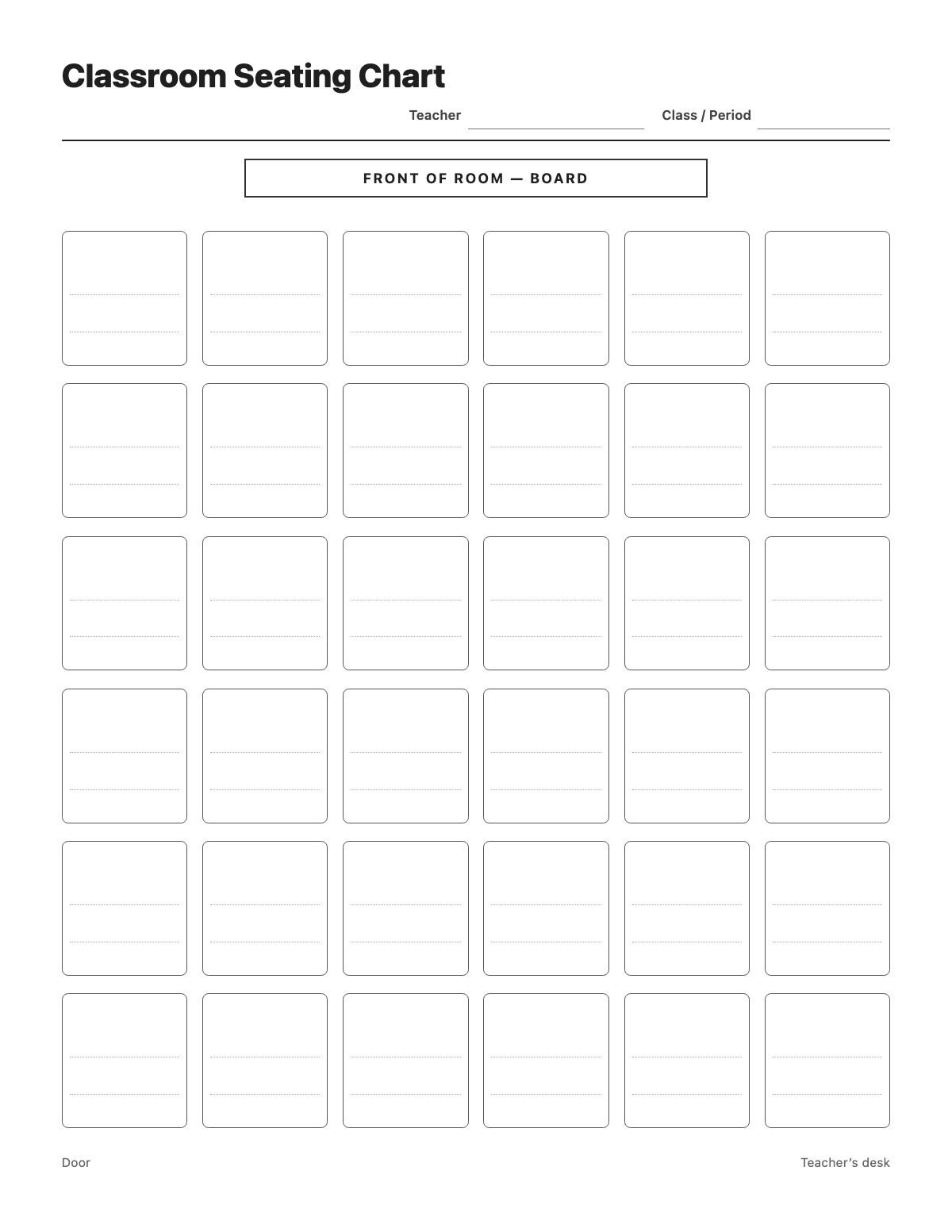
Map where every student sits. The front of the room is marked at the top and each of the 36 desks has two lines, so you can write a student’s name and a note, or use pairs for partner seating. It is ideal for substitute folders and the first weeks of school.
Yes. Click any field and type. It saves automatically in this browser — nothing is uploaded.
Yes. Click “Front of room — Board”, “Door” or “Teacher’s desk” to rename them.
Yes. There is no sign-up and no watermark. Print it or save it as a PDF as often as you like.
More School & Kids templates: Addition Worksheet · Subtraction Worksheet · Multiplication Worksheet · Division Worksheet · Telling Time Worksheet · Multiplication Chart 1–12 · Blank Multiplication Chart · Hundreds Chart (1–100) · 120 Chart · Blank Hundreds Chart · Spelling Test · Book Report · Reward Chart · Weekly Behavior Chart · Weekly Homework Planner · Morning Routine Chart · Bedtime Routine Chart · Dolch Sight Words List · Hall Pass
↑ Fill out the Classroom Seating Chart


