Key Log: uses, sizes and printing tips
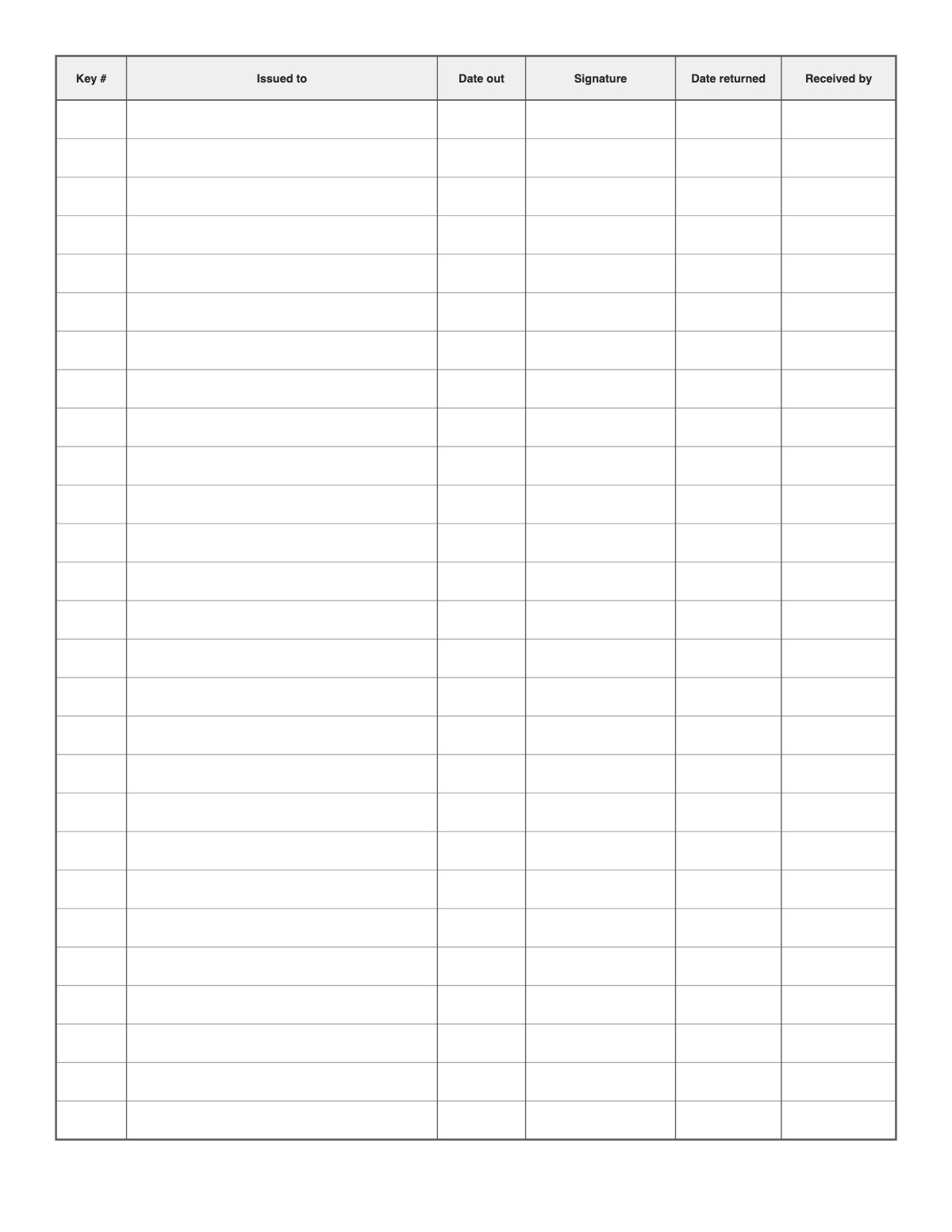
Track who has which key: key number, the person it was issued to, date out, their signature, date returned and who received it. Used by property managers, schools, offices and vehicle fleets.
How to print it
- Choose the paper size (US Letter, A4, Legal, A5 or Half Letter) and portrait or landscape — the page updates as you change settings.
- Choose the log type, the row height and shaded rows; landscape fits more columns.
- Add a title or a name/date header if you want, or keep the page plain.
- Click Print / Save as PDF. In the print dialog choose “Actual size” (100%) and turn off “Headers and footers”.
Tips
- Audit the log every quarter against the keys on the board.
- Add the business or family name with the Title field and keep the log on a clipboard where it is used.
- Shaded rows make long logs easier to read across.
FAQ
Why log keys?
A key log shows who has access, helps recover keys when people leave and tells you when to rekey.
Can I log key cards too?
Yes — use the Key # column for the card or fob number.
How long should I keep the logs?
It depends on the purpose — food safety, maintenance and visitor records are often kept for months or years. Follow your own policy or local rules.
Is it free, and do I need an account?
It is completely free with no sign-up and no download. Change the settings, print it or save it as a PDF, and bookmark the address — your settings are stored in the link.
Related printables


More Logs & Records: Call Log · Vehicle Maintenance Log · Temperature Log · Cleaning Log · Food Log · Sleep Log · Baby Feeding Log · Time Log · Phone Message Template
↑ Customize and print the Key Log