Monthly Bill Tracker
Bills
| Bill / Payee | Due Date | Amount ($) | Paid | Date Paid | Method / Conf. # |
|---|---|---|---|---|---|
| Total | |||||
Summary
| Monthly Income | Total Bills | ||
|---|---|---|---|
| Left Over | Notes |
Click a blue field to typeHeadings and labels are editable tooEnter next fieldAutosaved · pick up where you left offTurn off “Headers and footers” when printing
| Bill / Payee | Due Date | Amount ($) | Paid | Date Paid | Method / Conf. # |
|---|---|---|---|---|---|
| Total | |||||
| Monthly Income | Total Bills | ||
|---|---|---|---|
| Left Over | Notes |
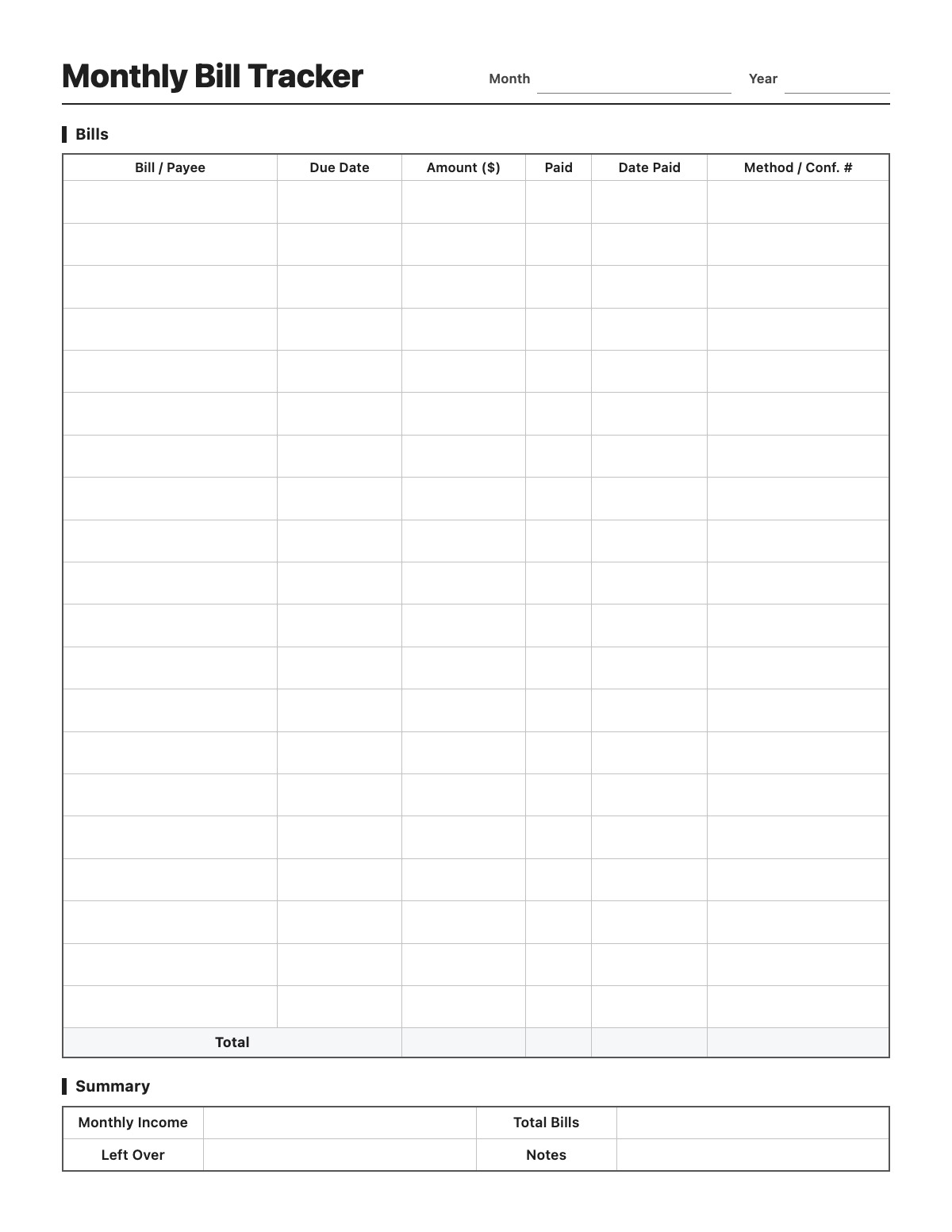
Never miss a due date again. List every bill for the month with its due date and amount, check it off when it is paid and note the date and confirmation number. The amount column totals automatically, and a summary box compares your income with your bills.
All names, companies and contact details are fictional. Click “Fill sample” above to put this example into the empty fields; click again to remove the parts you did not change.
Yes. When you type amounts online, the Total row and the Total Bills box in the summary add them up automatically.
Yes. Print it blank and fill it in by hand, or type your recurring bills once and print a copy each month.
No. What you type is saved only in your own browser and is never sent to our server.
More Printables templates: Weekly Planner · Daily Planner · Weekly Meal Planner · Habit Tracker · Chore Chart · Reading Log · Workout Log · Blood Pressure Log · Medication Log · Cleaning Schedule
↑ Fill out the Monthly Bill Tracker


