How to fill out a Weekly Planner
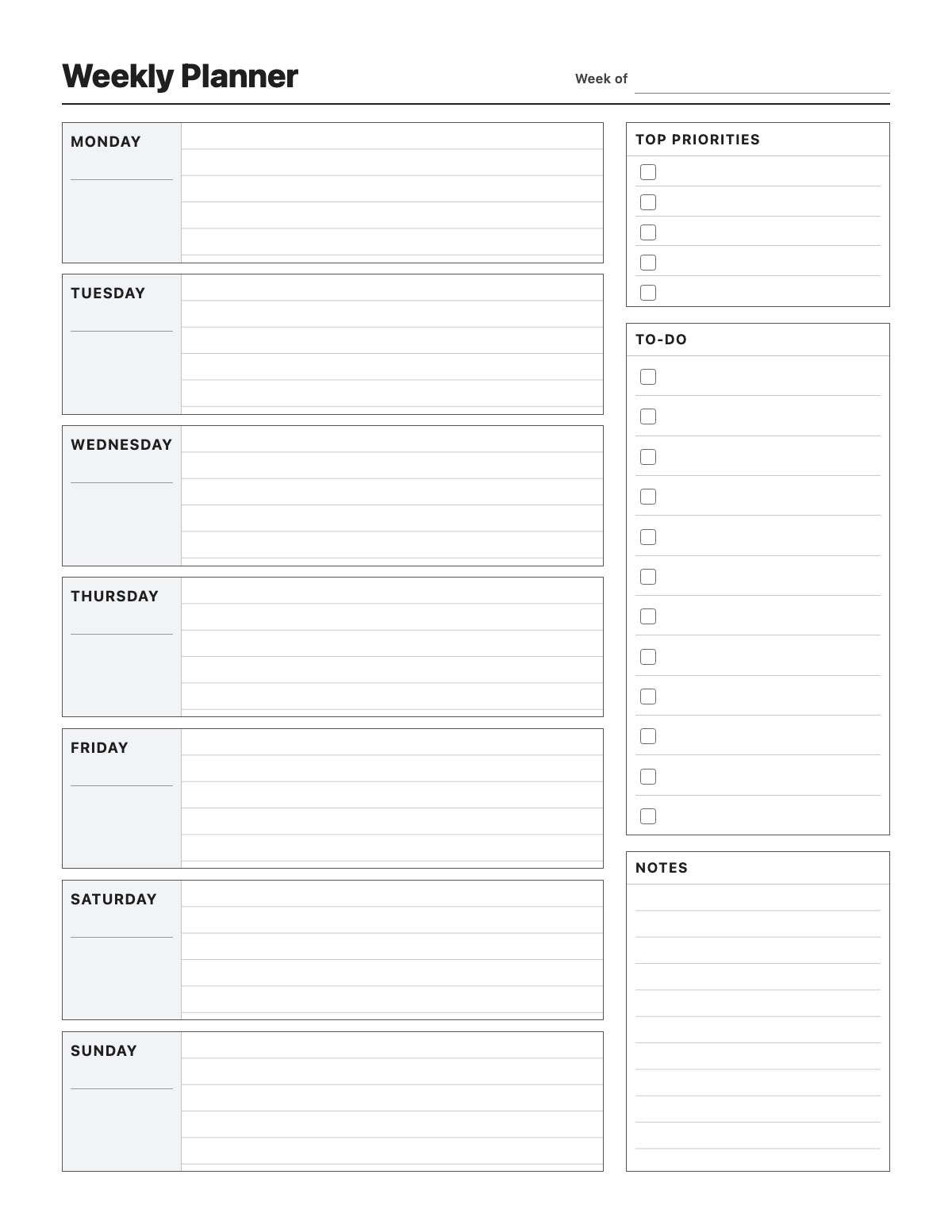
Plan your whole week on one page. This weekly planner has a lined box for each day from Monday to Sunday with a space for the date, plus a column for your top priorities, a checkbox to-do list and notes. Print it blank to fill in by hand, or type your plans first and print them.
How to fill it out
- Write the week’s start date next to “Week of” and add the dates under each day.
- List the three to five things that matter most this week under Top Priorities.
- Put appointments, deadlines and plans in each day’s box.
- Add smaller tasks to the To-Do list and tick them off as you finish them.
- Print or save as PDF; print a fresh copy every week.
Tips
- Plan on Sunday evening: review last week, carry over unfinished tasks and set your priorities.
- Keep priorities short and specific — “Send Q3 report to Dana” beats “work stuff”.
- Use the notes box for meal ideas, birthdays or things to remember.
- Print several copies at once and keep them in a binder or on the fridge.
Weekly Planner example
- Week of
- October 12, 2026
Monday
Team meeting 9:30 AM
Dentist 4:00 PM — bring insurance card
Tuesday
Draft Q4 budget
Gym 6 PM
Wednesday
Lunch with Sarah 12:30
Pick up dry cleaning
Thursday
Client call 2 PM
Soccer practice 5:30 (Emma)
Friday
Submit expense report
Pizza & movie night
Saturday
Farmers market 9 AM
Clean garage
Sunday
Meal prep for the week
Call Mom
Top Priorities
- Finish Q4 budget draft
- Book flights for Thanksgiving
- Run 3 times this week
To-Do
- Renew car registration
- Order birthday gift for Jake
- Schedule oil change
- Return library books
Notes
Trash pickup moved to Wednesday this week.
All names, companies and contact details are fictional. Click “Fill sample” above to put this example into the empty fields; click again to remove the parts you did not change.
FAQ
Can I fill out the weekly planner on my computer?
Yes. Click any field or day box and type, then print or save as PDF. Everything is autosaved only in your browser.
Does the week start on Monday?
Yes, the days run Monday to Sunday. The day names are editable, so you can click them and change the order if you prefer a Sunday start.
What size does it print?
It opens on US Letter (8.5 × 11 in) and switches to A4 from the toolbar. Either way it prints on exactly one page.
Related templates


More Printables templates: Grocery List · Chore Chart · Monthly Bill Tracker · Savings Tracker · Reading Log · Workout Log · Blood Pressure Log · Medication Log · Cleaning Schedule
↑ Fill out the Weekly Planner