Click a blue field to typeHeadings and labels are editable tooEnter next fieldAutosaved · pick up where you left offTurn off “Headers and footers” when printing
Savings Tracker
My Goal
Saving For
Goal Amount ($)
Start Date
Target Date
Starting Balance ($)
Monthly Target ($)
Progress — color one box for every 5% of your goal
5%
10%
15%
20%
25%
30%
35%
40%
45%
50%
55%
60%
65%
70%
75%
80%
85%
90%
95%
100%
Deposits & Withdrawals
Date
Description
Deposit ($)
Withdrawal ($)
Balance ($)
Total
How to fill out a Savings Tracker
Free Savings Tracker template
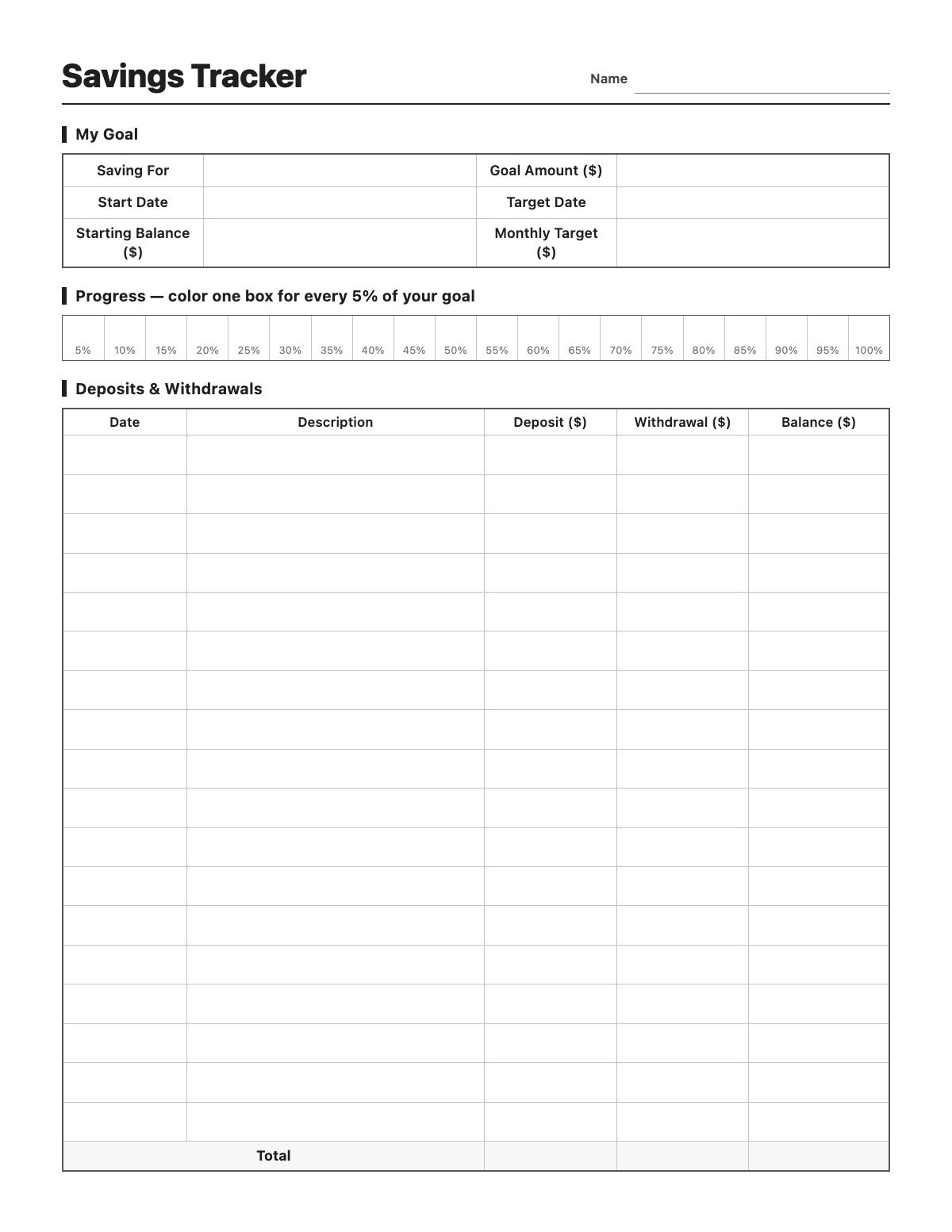
Watch your savings grow toward a goal. Write what you are saving for, the goal amount and target date, then log every deposit and withdrawal — online, the balance column keeps a running total for you. Color one of the 20 progress boxes for every 5% of the goal you reach.
How to fill it out
Fill in what you are saving for, the goal amount, the start and target dates and any starting balance.
Each time you save, write the date, a short description and the deposit amount.
Record withdrawals too; online, the Balance column updates automatically.
Color (or click) one progress box for every 5% of your goal you reach.
Tips
Divide your goal by the number of months until your target date to get the monthly target.
Automate a transfer on payday, then log it here.
Keep a separate tracker for each goal — emergency fund, vacation, car.
The progress boxes make a great visual for kids saving their allowance.
Savings Tracker example
Name
Jordan Lee
My Goal
Saving For
Emergency fund
Goal Amount ($)
3000
Start Date
07/01/2026
Target Date
06/30/2027
Starting Balance ($)
250
Monthly Target ($)
230
Deposits & Withdrawals
07/01 · Paycheck transfer · 230
08/01 · Paycheck transfer · 230
08/14 · Birthday money · 100
09/01 · Paycheck transfer · 230
09/20 · Car repair · 180
10/01 · Paycheck transfer · 230
All names, companies and contact details are fictional. Click “Fill sample” above to put this example into the empty fields; click again to remove the parts you did not change.
FAQ
Does the savings tracker calculate my balance?
Yes. When filled out online, the Balance column adds deposits and subtracts withdrawals, starting from your starting balance.
How do the progress boxes work?
There are 20 boxes, each worth 5% of your goal. Color one in (or click it online) each time you pass another 5%.
Can I use it for a savings challenge?
Yes. Write the challenge in Saving For and log each week’s or day’s amount as a deposit.