To-Do List
Tasks
| ✓ | Task | Priority | Due |
|---|---|---|---|
Click a blue field to typeHeadings and labels are editable tooEnter next fieldAutosaved · pick up where you left offTurn off “Headers and footers” when printing
| ✓ | Task | Priority | Due |
|---|---|---|---|
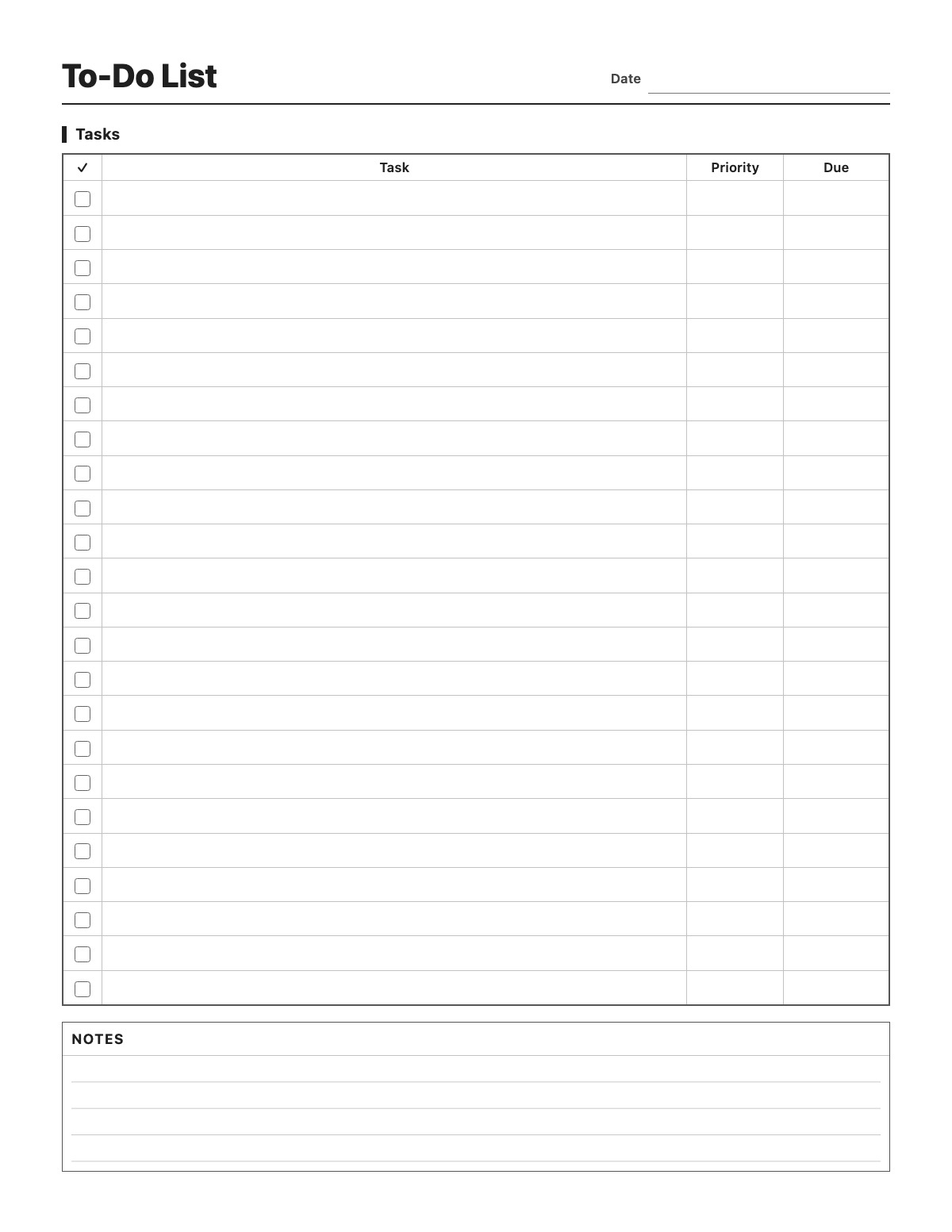
A simple, clean to-do list: 24 rows with a checkbox, a wide task column, a priority column and a due date, plus a notes box at the bottom. Use it for daily tasks, work projects, errands or a weekend list. Print it blank, or type your list and print it ready to check off.
Dentist: (555) 214-7788 — ask for Tuesday afternoon.
All names, companies and contact details are fictional. Click “Fill sample” above to put this example into the empty fields; click again to remove the parts you did not change.
Yes. Click a checkbox to tick it; the check prints too. Your list is autosaved only in your browser.
24 rows plus a notes box, all on one US Letter or A4 page.
Yes, it is completely free with no sign-up. Print as many copies as you like or save it as a PDF.
More Printables templates: Weekly Meal Planner · Habit Tracker · Chore Chart · Monthly Bill Tracker · Savings Tracker · Reading Log · Workout Log · Blood Pressure Log · Medication Log
↑ Fill out the To-Do List


