Storyboard Template: uses, sizes and printing tips
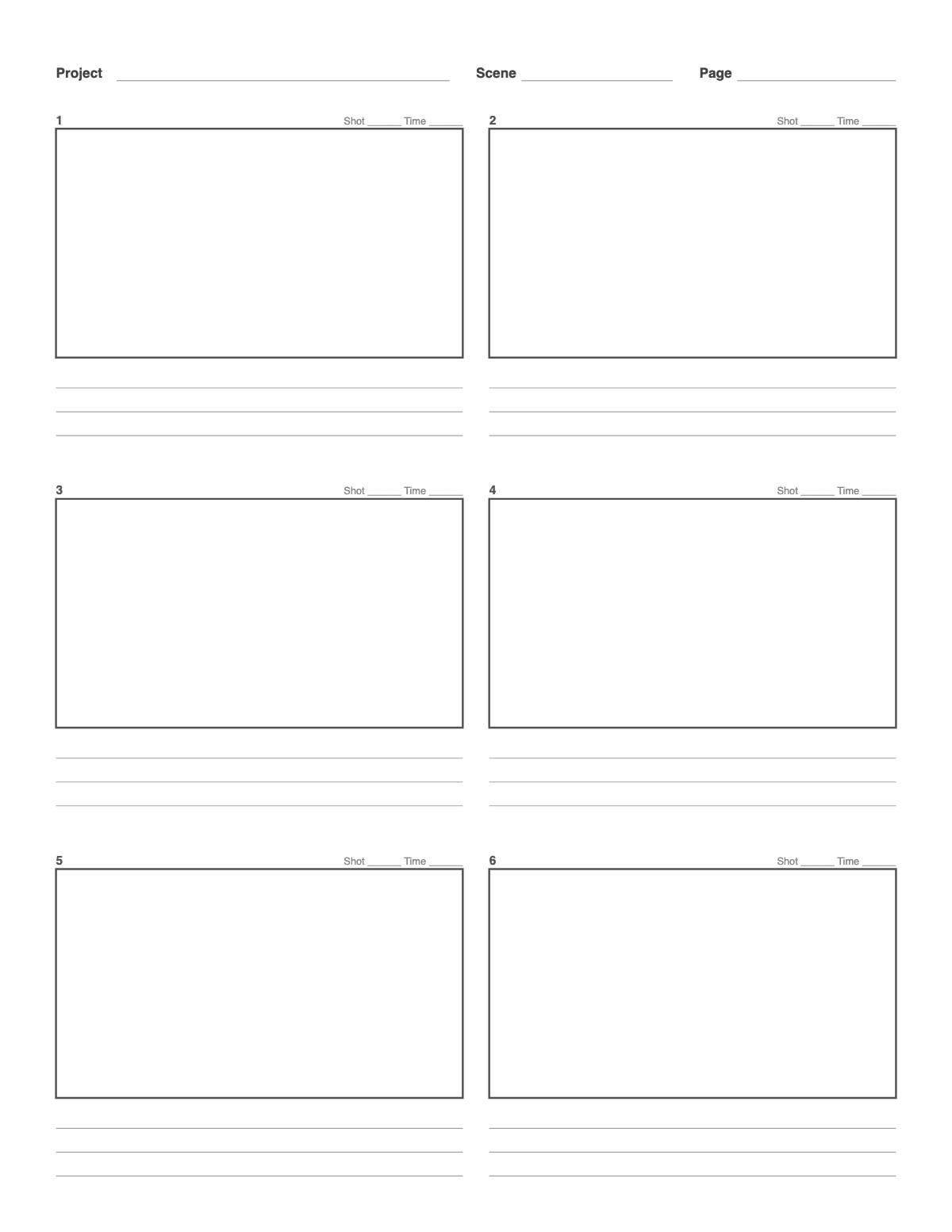
A printable storyboard sheet: six widescreen 16:9 frames, each numbered with space for shot and time, and three note lines underneath for action, dialogue and camera moves. Change the aspect ratio, the number of frames or the note lines.
How to print it
- Choose the paper size (US Letter, A4, Legal, A5 or Half Letter) and portrait or landscape — the page updates as you change settings.
- Pick the frame aspect ratio, the number of columns and rows, and how many note lines sit under each frame.
- Add a title or a name/date header if you want, or keep the page plain.
- Click Print / Save as PDF. In the print dialog choose “Actual size” (100%) and turn off “Headers and footers”.
Tips
- Draw stick figures — storyboards are about framing and sequence, not artwork.
- Match the frame ratio to the delivery format — 16:9 for YouTube and TV, 9:16 for Reels, TikTok and Shorts, 2.39:1 for a cinematic look.
- Use the note lines for action, dialogue, camera moves and sound.
FAQ
What aspect ratio should my storyboard use?
Match the final video: 16:9 for YouTube, TV and most online video, 2.39:1 for a cinematic look, 9:16 for vertical social video.
Can I fit more frames on a page?
Yes — set Columns and Rows, for example 3 × 3 for nine frames.
How many frames should a storyboard have?
Roughly one frame per shot or per key change within a shot. A 30-second ad often needs 8–15 frames; a short film can need hundreds.
Is it free, and do I need an account?
It is completely free with no sign-up and no download. Change the settings, print it or save it as a PDF, and bookmark the address — your settings are stored in the link.
Related paper


More Art, Comics & Design: 9 Panel Comic Page · Comic Strip Template · Four Panel Comic Strip (Yonkoma) · Manga Page Template · One-Point Perspective Grid · Two-Point Perspective Grid · Three-Point Perspective Grid · Mobile App Wireframe Template · Website Wireframe Template · Tablet Wireframe Template
↑ Customize and print the Storyboard Template