Mobile App Wireframe Template: uses, sizes and printing tips
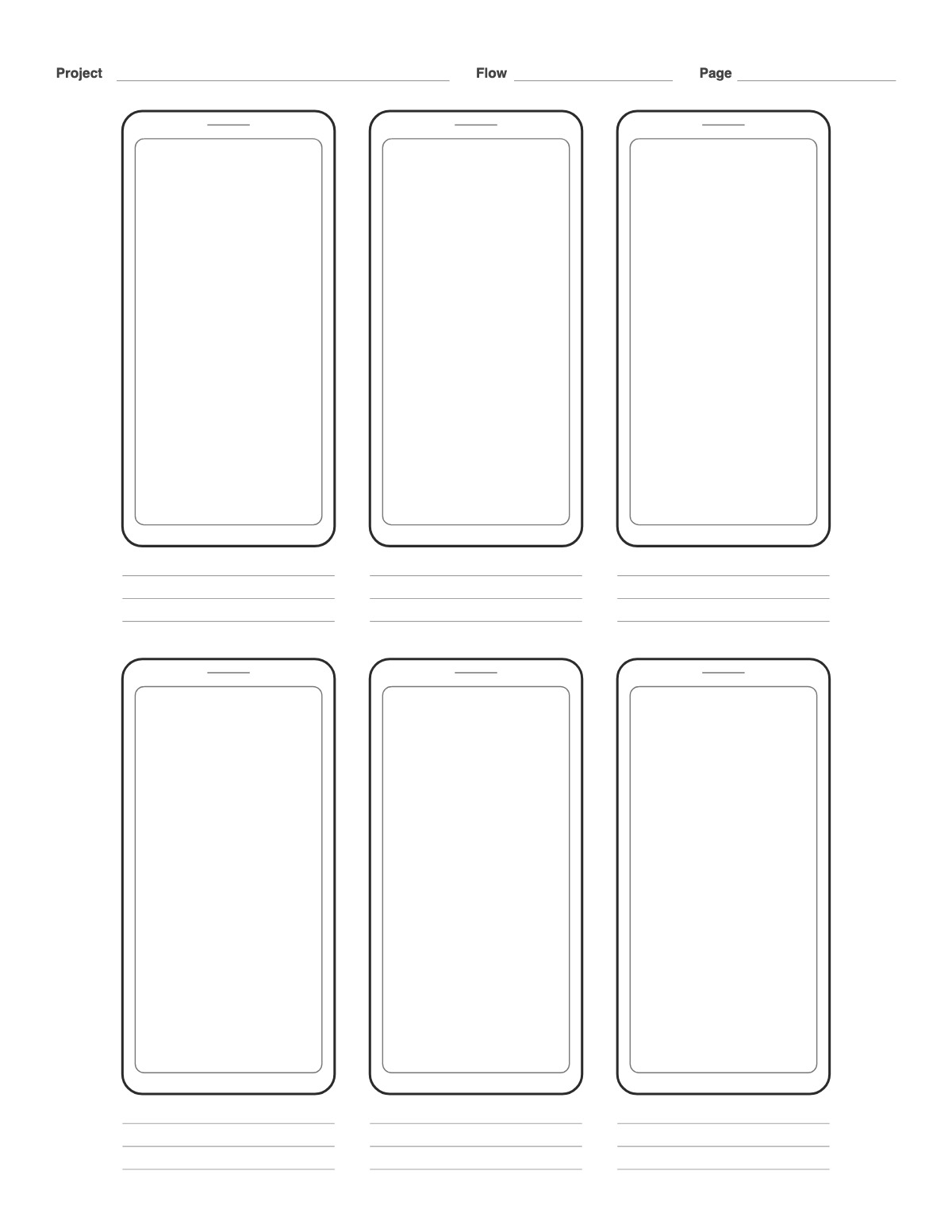
Six phone-shaped frames with a notch, each with note lines below, plus a project, flow and page header. Sketch app screens and user flows by hand before moving to a design tool; add a dot grid inside the screens for alignment.
How to print it
- Choose the paper size (US Letter, A4, Legal, A5 or Half Letter) and portrait or landscape — the page updates as you change settings.
- Choose phone, tablet, desktop browser or smartwatch frames, how many screens per page, note lines and a dot-grid background.
- Add a title or a name/date header if you want, or keep the page plain.
- Click Print / Save as PDF. In the print dialog choose “Actual size” (100%) and turn off “Headers and footers”.
Tips
- Draw arrows between frames to show taps and navigation.
- Sketch flows left to right, one screen per frame, and write the interaction (tap, swipe, error state) on the lines below.
- Low-fidelity paper sketches are faster to throw away — explore three layouts before you open a design tool.
FAQ
Why phone-shaped frames?
Real proportions keep you honest about how little fits on a small screen.
Can I get tablet or desktop frames?
Yes — change Device to Tablet, Desktop browser or Smartwatch.
Why sketch wireframes on paper?
Paper keeps the focus on structure and flow instead of colors and fonts, and it is fast to test with users by tapping on printed screens.
Is it free, and do I need an account?
It is completely free with no sign-up and no download. Change the settings, print it or save it as a PDF, and bookmark the address — your settings are stored in the link.
Related paper


More Art, Comics & Design: 9 Panel Storyboard Template · Animation Storyboard Template · Comic Book Template · 9 Panel Comic Page · Comic Strip Template · Four Panel Comic Strip (Yonkoma) · Manga Page Template · One-Point Perspective Grid · Two-Point Perspective Grid · Three-Point Perspective Grid
↑ Customize and print the Mobile App Wireframe Template