Animation Storyboard Template: uses, sizes and printing tips
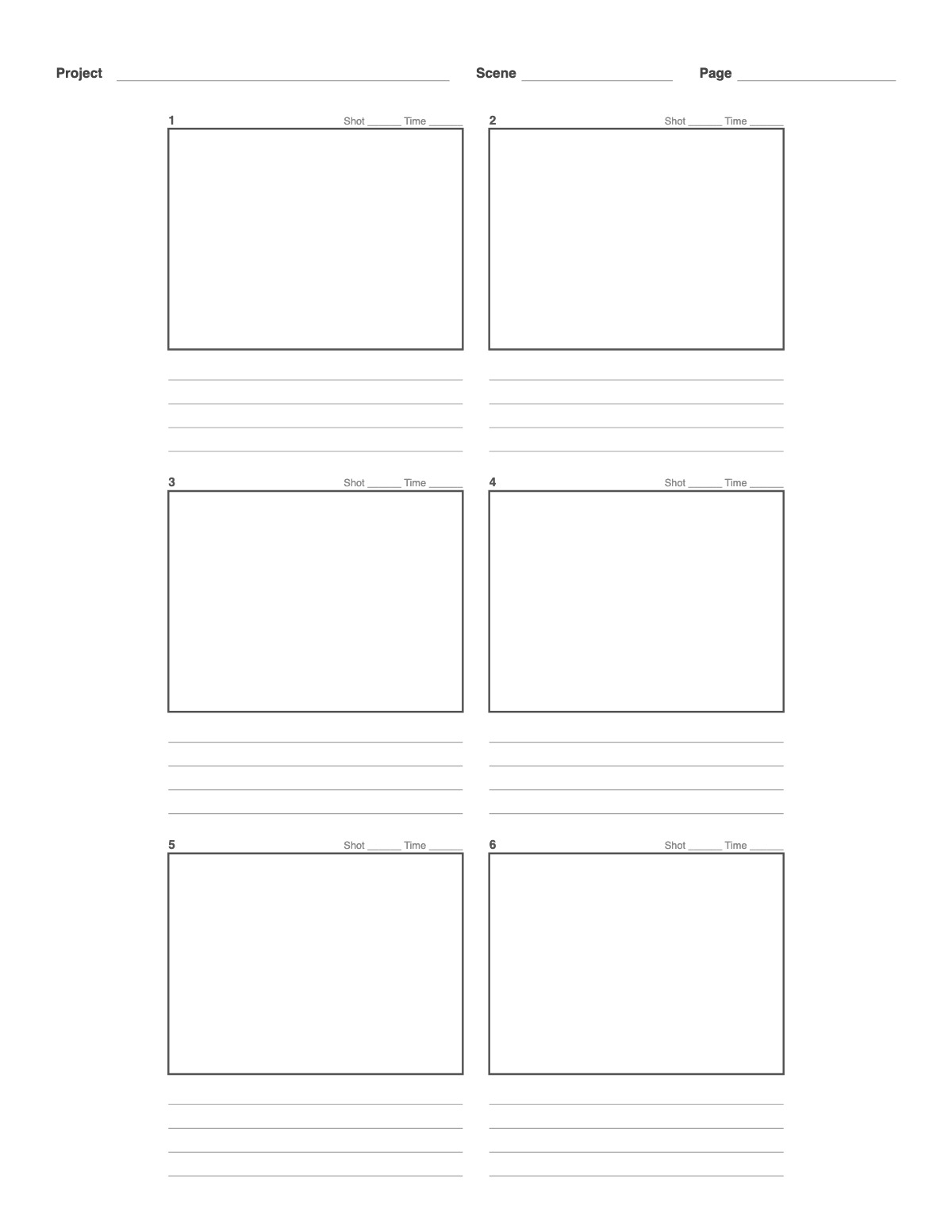
Storyboard paper for animation and student films: six 4:3 frames with four note lines under each — room for action, dialogue, timing and camera direction. Switch to 16:9 for widescreen projects.
How to print it
- Choose the paper size (US Letter, A4, Legal, A5 or Half Letter) and portrait or landscape — the page updates as you change settings.
- Pick the frame aspect ratio, the number of columns and rows, and how many note lines sit under each frame.
- Add a title or a name/date header if you want, or keep the page plain.
- Click Print / Save as PDF. In the print dialog choose “Actual size” (100%) and turn off “Headers and footers”.
Tips
- Use arrows inside frames to show movement of characters and camera.
- Match the frame ratio to the delivery format — 16:9 for YouTube and TV, 9:16 for Reels, TikTok and Shorts, 2.39:1 for a cinematic look.
- Use the note lines for action, dialogue, camera moves and sound.
FAQ
Why 4:3 for animation?
Many animation courses and classic formats use 4:3; it leaves room for vertical action. Choose 16:9 for modern widescreen delivery.
How do I note timing?
Write the duration in the Time space above each frame, for example 2 s or 48 frames.
How many frames should a storyboard have?
Roughly one frame per shot or per key change within a shot. A 30-second ad often needs 8–15 frames; a short film can need hundreds.
Is it free, and do I need an account?
It is completely free with no sign-up and no download. Change the settings, print it or save it as a PDF, and bookmark the address — your settings are stored in the link.
Related paper


More Art, Comics & Design: 9 Panel Comic Page · Comic Strip Template · Four Panel Comic Strip (Yonkoma) · Manga Page Template · Two-Point Perspective Grid · Three-Point Perspective Grid · Mobile App Wireframe Template · Website Wireframe Template · Tablet Wireframe Template
↑ Customize and print the Animation Storyboard Template