Christmas Card List: uses, sizes and printing tips
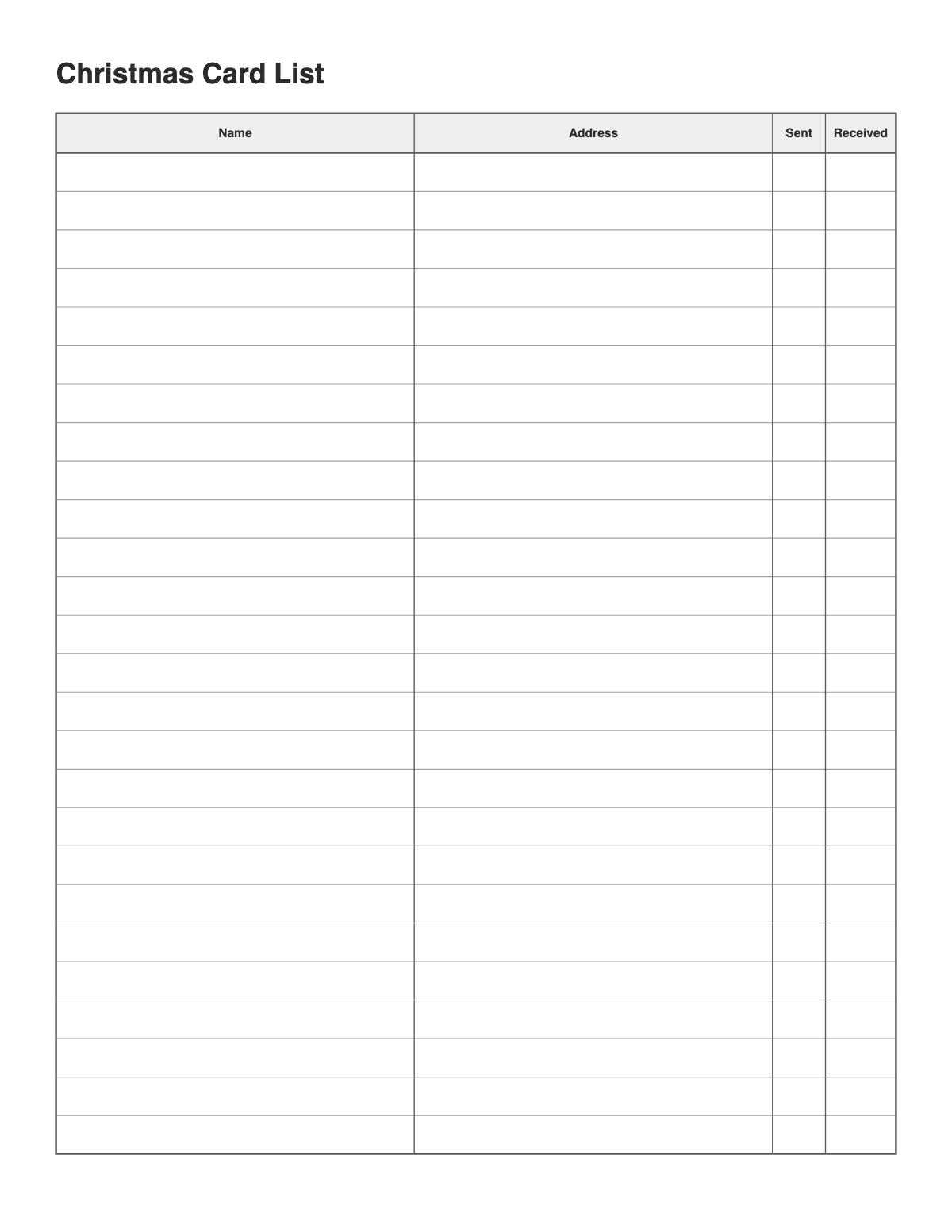
Keep track of holiday cards: name, address and check columns for sent and received. Use the same list next year to update addresses and remember who sent cards.
How to print it
- Choose the paper size (US Letter, A4, Legal, A5 or Half Letter) and portrait or landscape — the page updates as you change settings.
- Choose the list type, the number of columns or items, and the line spacing.
- Add a title or a name/date header if you want, or keep the page plain.
- Click Print / Save as PDF. In the print dialog choose “Actual size” (100%) and turn off “Headers and footers”.
Tips
- Print address labels from the same list to save time.
- Add a title at the top (for example “Camping trip” or “Class contacts”) and print a few copies at once.
- Keep a copy on the fridge or in a binder so the list is always where you need it.
FAQ
How do I reuse it next year?
Highlight changed addresses and copy the list to a fresh sheet, or keep each year in a binder.
Can I use it for wedding invitations?
Yes — change the title and use Sent and Received for invitations and RSVPs.
Can I fill it in on my computer?
Print to PDF, then type into the PDF with any PDF editor — or print it and write by hand.
Is it free, and do I need an account?
It is completely free with no sign-up and no download. Change the settings, print it or save it as a PDF, and bookmark the address — your settings are stored in the link.
Related printables


More Lists: Blank Checklist · Two Column Checklist · Numbered List Template · Bucket List Template · Packing List · Phone List Template · Birthday List Template
↑ Customize and print the Christmas Card List