Staff and Tab Paper: uses, sizes and printing tips
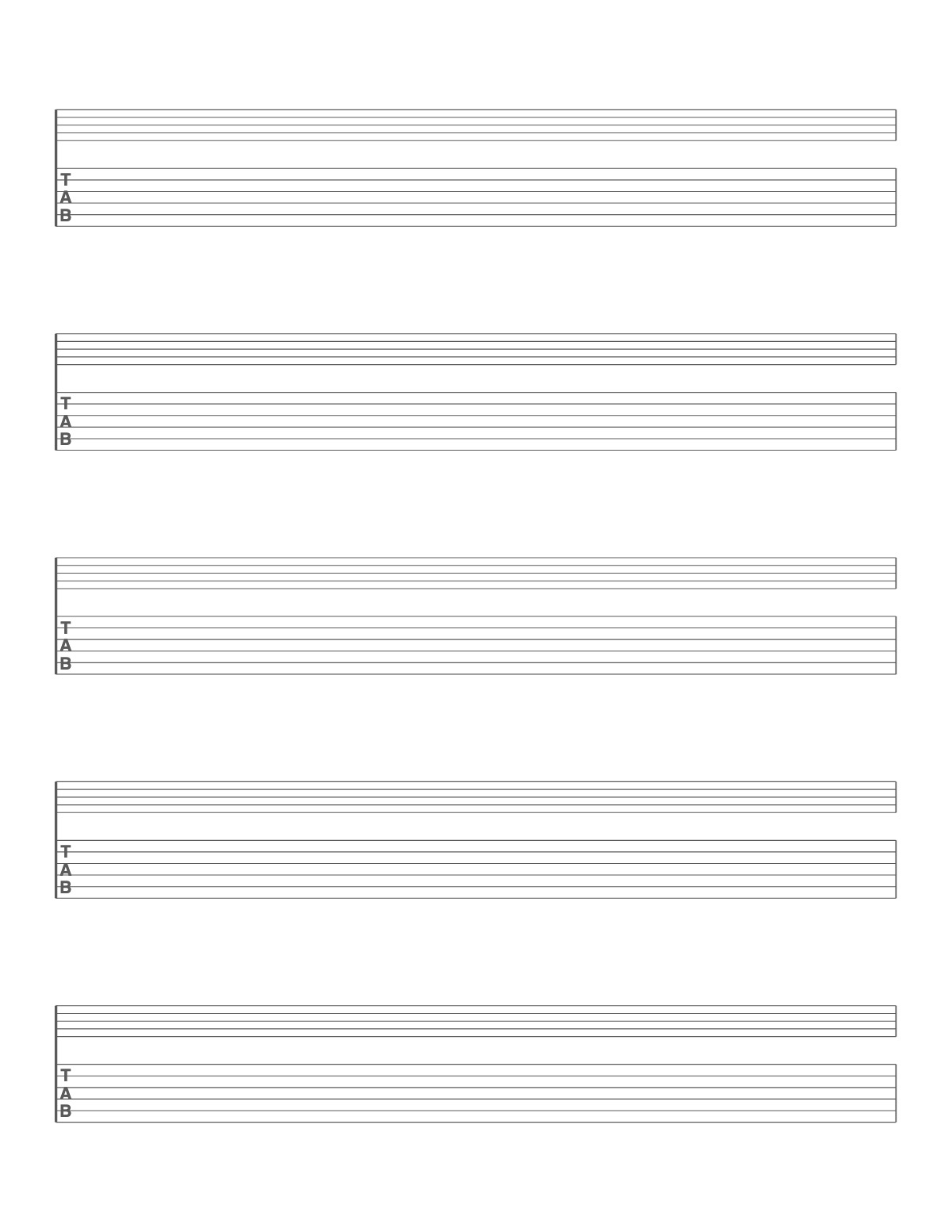
Each system pairs a five-line music staff with six-line guitar tablature below it, joined at the left — the format of most published guitar books. Write the rhythm and pitch on the staff and the fingering in the tab.
How to print it
- Choose the paper size (US Letter, A4, Legal, A5 or Half Letter) and portrait or landscape — the page updates as you change settings.
- Choose staff paper, grand staff, guitar or bass tab, staff + tab, or chord diagrams, then the number of staves and the staff size.
- Add a title or a name/date header if you want, or keep the page plain.
- Click Print / Save as PDF. In the print dialog choose “Actual size” (100%) and turn off “Headers and footers”.
Tips
- Write the chord names above the staff for accompaniment parts.
- Bigger staves are easier for beginners and for writing by hand; small staves fit more music per page.
- Barlines are drawn at both ends of every staff so each line reads as a complete system.
FAQ
How many systems fit on a page?
Five on US Letter at the default size; choose a smaller staff for six.
Can I get tab only?
Choose Guitar tab under Type, or use the guitar tab paper page.
Is the staff paper free to copy for my students?
Yes. Print as many copies as you need for your class, studio or choir.
Is it free, and do I need an account?
It is completely free with no sign-up and no download. Change the settings, print it or save it as a PDF, and bookmark the address — your settings are stored in the link.
Related paper


More Music Paper: Large Staff Paper for Kids · Piano Staff Paper (Grand Staff) · Blank Ukulele Chord Chart
↑ Customize and print the Staff and Tab Paper