Luggage Tags: uses, sizes and printing tips
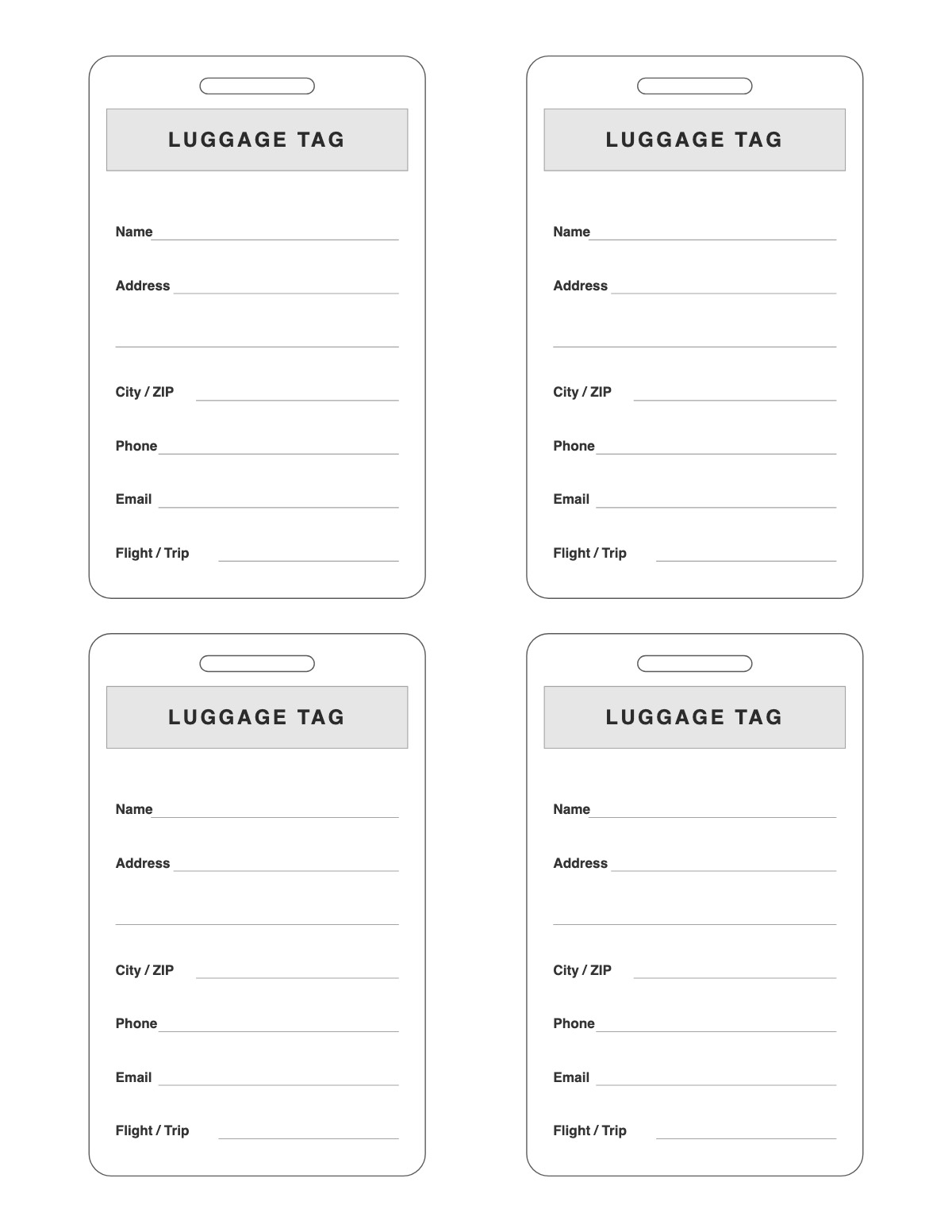
Luggage tags with a strap slot and lines for name, address, city, phone, email and flight or trip — four per page. Fill them in, laminate them and loop a strap or zip tie through the slot. Also handy for school bags, camp gear and sports bags.
How to print it
- Choose the paper size (US Letter, A4, Legal, A5 or Half Letter) and portrait or landscape — the page updates as you change settings.
- Pick the tag type and shape, how many fit on a page, a printed message and a picture to color in — or keep the tags blank.
- Add a title or a name/date header if you want, or keep the page plain.
- Click Print / Save as PDF. In the print dialog choose “Actual size” (100%) and turn off “Headers and footers”.
Tips
- Put a second filled-in tag inside the bag in case the outside one is torn off.
- Print on white card stock (65–110 lb) so the tags hold up on a ribbon; punch the printed hole circle with a single-hole punch.
- Kids can color the outline pictures — a quick craft while the presents get wrapped.
FAQ
Should I put my home address on a luggage tag?
Many travelers list only a phone number and email, or a work address, for privacy. Leave lines blank if you prefer.
How do I make the tag durable?
Laminate it or slip it into a self-adhesive laminating pouch, then punch the slot through the laminate.
How do I cut the tags out neatly?
Use scissors for curved tags and a paper trimmer for rectangles. The outlines are drawn as solid cut lines, and the punch hole is marked with a small circle.
Is it free, and do I need an account?
It is completely free with no sign-up and no download. Change the settings, print it or save it as a PDF, and bookmark the address — your settings are stored in the link.
Related printables


More Tags & Name Tags: Gift Tags · Christmas Gift Tags · Holiday Gift Tags · Birthday Gift Tags · Round Gift Tags · Thank You Tags · Favor Tags · Price Tags · Name Badges · Bookmarks · Reading Log Bookmarks
↑ Customize and print the Luggage Tags